loading
AI and Its Tools for Programmers: What Has Actually Changed?
Since AI tools became widely available a wave of questions has emerged in the programming community. Will AI replace us? Is the programming profession at risk?
This article won't give you false comfort or scare you with exaggerations. It will give you a realistic picture of what's actually happening.
Understand the Terms First
Before any serious discussion about AI you need to understand these terms because confusing them is extremely common.
A Model is the core — a trained AI system that can understand and generate text. GPT, Claude, Gemini, and Llama are all models. A model alone does nothing independently, it's an engine that needs something to run it.
An Agent is a model equipped with the ability to make decisions and execute actions. It can search the internet, write files, run code, and call APIs.
A Workflow is an organized sequence of steps involving models, agents, and tools working together to accomplish a larger task.
When you read "new AI tool" ask: is it a new model, agent, workflow, or just a new interface on top of an existing model? The answer determines its real value.
No Company or Model Has Absolute Superiority
What's best today may not be best in two weeks. That's not an exaggeration. The field moves at an unprecedented pace.
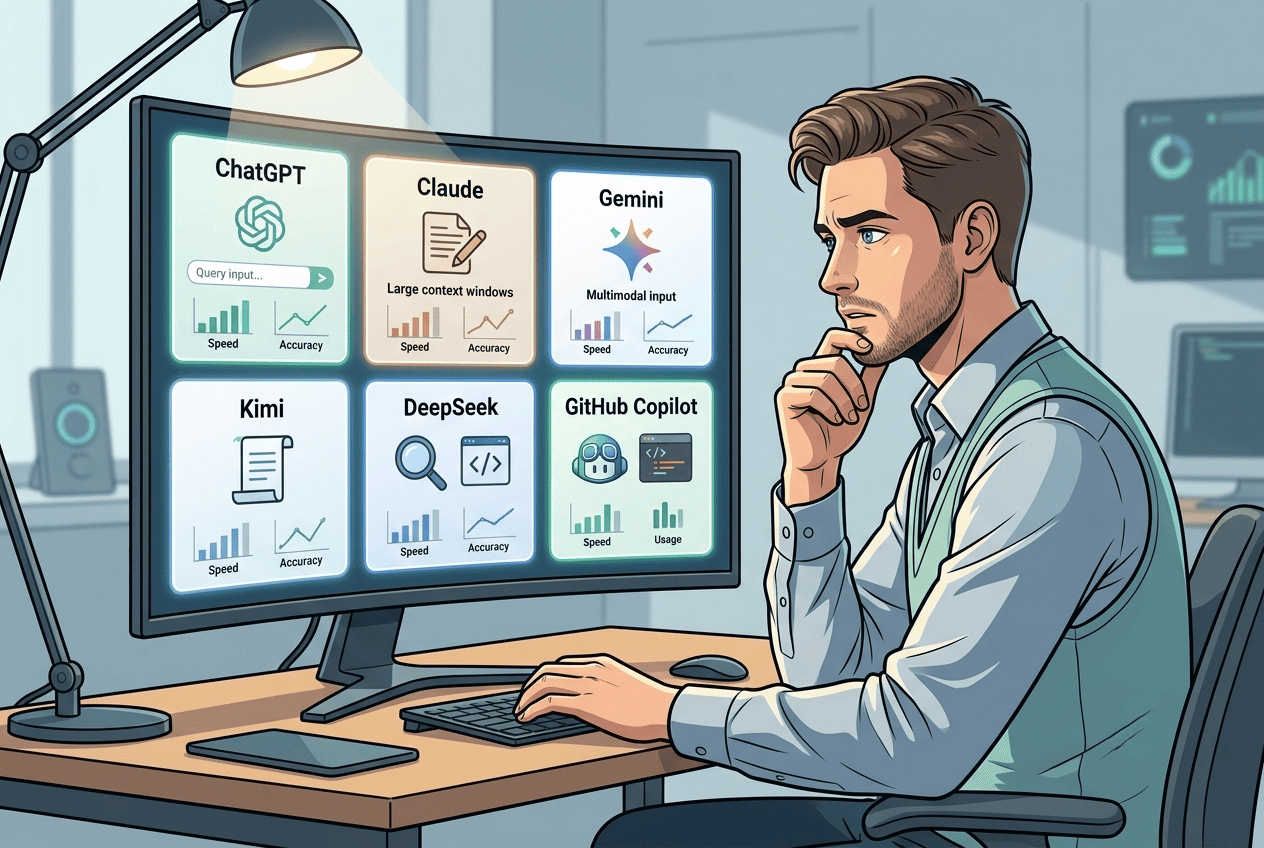
GPT-4 led by a significant margin for a while then Claude and Gemini arrived, followed by open-source models like Llama that approach commercial performance at much lower cost.
Don't lock yourself to one tool absolutely. Understand the core concepts — they transfer between tools.
The "Quick Ready Project" Idea Isn't New
Before any discussion about AI we need to remember something important.
The idea of getting a website quickly and cheaply has existed for years. There were ready-made templates and visual builders like Wix and Squarespace. All were cheap or free. Yet none of them replaced the professional programmer.
Because any company with a real business needs customization no ready-made tool can provide. A template creates a website. A professional programmer builds a system.
The Categories AI Has Actually Replaced
Yes, AI has replaced some categories. But these categories were never the real target for a professional programmer.
The client who wants a website with very simple requirements and a budget that doesn't even cover the cost of thinking about the project — this client was never a real client to begin with.
What remains for the professional programmer is real work: complex systems, long-term projects, custom solutions.
AI Won't Hurt Programmers at This Stage
AI today can excellently write code for specific, clear tasks. It can explain errors and suggest solutions. It can generate boilerplate and repeat known patterns.
But it cannot understand the full context of a specific company's operations and translate that into technical decisions. It cannot manage a long-term project with continuously changing requirements. It cannot take responsibility for an architectural mistake.
A programmer who uses AI correctly becomes more productive, not less valuable.
The real danger isn't that AI replaces programmers. It's that the programmer who uses AI will replace the programmer who doesn't.
The Risks of Total Dependence
Code you don't understand: AI generates code that looks correct and sometimes is correct. But when it's wrong you can't fix it if you don't understand it.
The illusion of a complete project: someone asks AI to build a complete project then thinks it's ready to launch. AI builds a skeleton that needs someone to understand, complete, test, and secure it.
Security and vulnerabilities: generated code isn't immune to vulnerabilities. Releasing code you haven't understood means releasing a vulnerability you don't know exists.
How to Use It Correctly
Use it to accelerate what you already understand. Ask it to write code for a task you know how to write yourself. This lets you review, evaluate, and modify what it produces.
Use it for learning. When it gives you code you don't understand, ask for an explanation. The difference between someone who understands and someone who copies without understanding is the difference between growth and stagnation.
Use it for repetitive work: writing tests, generating mock data, writing documentation.
Don't trust it for major architectural decisions. AI gives you answers that sound confident even when they're wrong.
The Most Notable Current Tools
GitHub Copilot integrated into the editor, suggesting code as you type. Very useful for repetitive code and common patterns. ChatGPT and Claude for explaining, solving problems, and generating code for specific tasks. Cursor — a complete code editor built around AI that can read an entire project and modify it. Claude Code — a programming agent in the command line that can read and modify your files and build projects semi-independently.
These tools change quickly. What's mentioned here is accurate at the time of writing. The constant principle is understanding how to use a tool, not which tool to use.
tags
Your comment matters
Share with me your feedback or any note you’d like to add

How to Grow in Your Programming Career? The Difference Between Junior, Mid, and Senior
- mohammed albadry 000
- 1
How Does a Professional Programmer Think? Decisions Before Code
- mohammed albadry 000
- 0
Why Do Most Programmers Stop Growing After the First Year?
- mohammed albadry 000
- 0
Software Development Fields: A Guide to Understanding Software and Choosing Your Path
- mohammed albadry 000
- 0
How to Start Learning Programming? The Foundation That Builds Everything
- mohammed albadry 000
- 0