loading
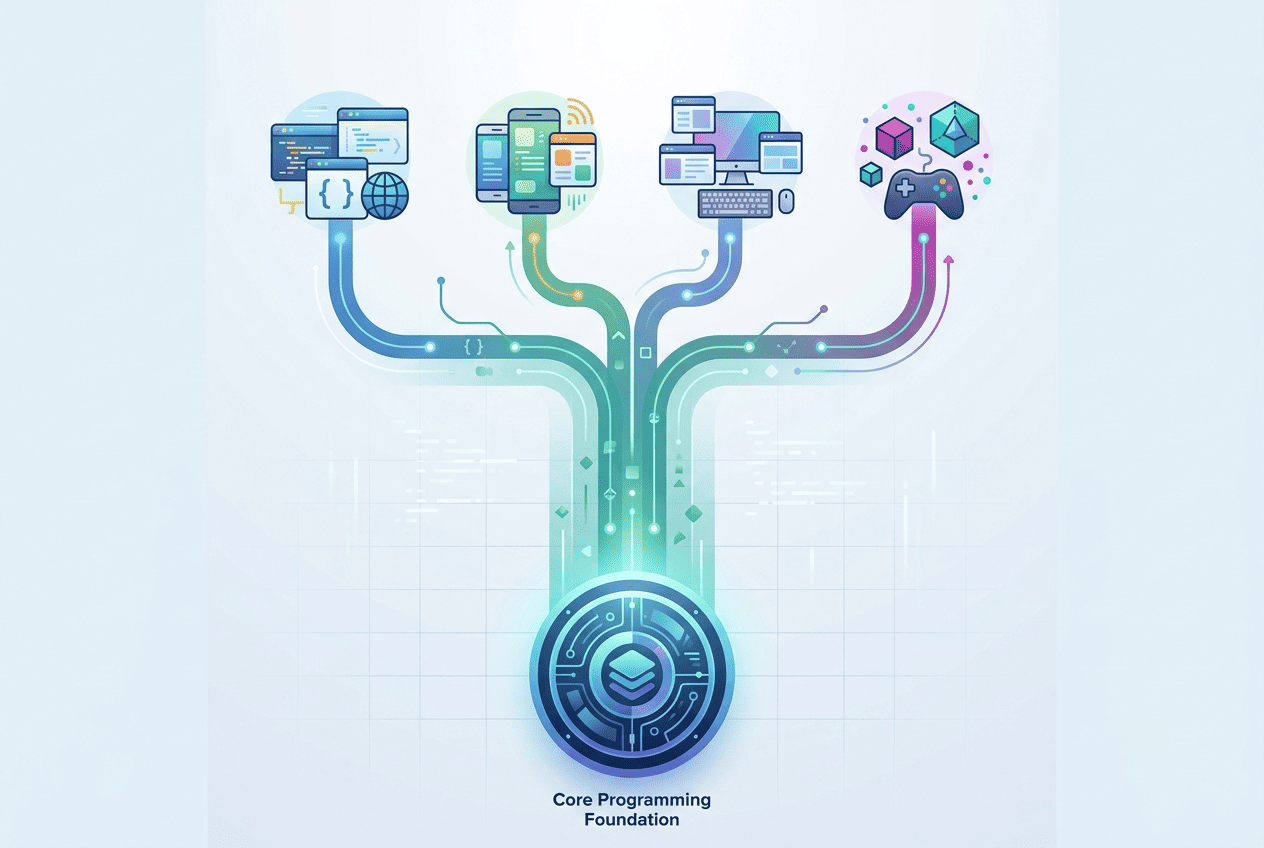
How to Start Learning Programming? The Foundation That Builds Everything
In the previous article you learned about programming fields. Maybe you've chosen yours or you're still thinking. Either way this article is your next step.
The real question now isn't what you'll learn. It's where you start.
There's a shared foundation across all software fields. It's not about a specific language or technology. It's a way of thinking and understanding the machine you work on and the code you write.
Those who build this foundation well learn any field quickly. Those who skip it keep memorizing code they don't understand.
What Is the Computer You're Writing Code For?
Before writing a single line of code you need to understand what you're talking to.
At its core a computer is a machine that executes instructions. Nothing more. It doesn't think, understand, or imagine. All it does is receive instructions and execute them at tremendous speed.
These instructions ultimately reach the processor as zeros and ones, because computers run on electricity, and electricity has only two states: on or off.
The CPU is the computer's brain. It executes calculations and instructions. RAM is the temporary space used during operation — much faster than storage but cleared when the device powers off. Storage is the permanent space where your files and programs are saved.
Why does this matter? Every decision you make in your code affects these components. Slow code might be excessive RAM consumption. A freezing program might be an overloaded CPU. Understanding the hardware makes you write smarter code.
The Operating System: The Bridge Between You and the Hardware
Hardware alone does nothing. It needs a mediator to manage components and let you interact with them. That's the operating system.
The OS is the first program that runs when you power on your device. It manages files, distributes hardware resources between programs, and handles communication between software and external devices.
Windows is most widespread on desktops. Linux is most used on servers — you'll work with it at some point regardless of your field. macOS is preferred by many developers especially for iOS development.
Your code runs on top of an OS and uses its resources. Understanding it lets you diagnose environment problems, not just code problems.
Good Code and Bad Code
Many beginners think good code is code that works. That's partially true but not enough.
Code that works but is messy is technical debt you'll pay later. The bigger the project the heavier that debt becomes.
Good code can be read by any programmer who understands what it does without explanation. Clear names for variables and functions matter more than any comment you write.
Bad: x = a * b / 100 — Good: discountAmount = originalPrice * discountPercentage / 100
Good code doesn't repeat itself. If you write the same logic in more than one place you're creating a future problem. Put that logic in one function and call it wherever needed.
Every function is responsible for one task only. A function that does ten things is hard to understand, test, and modify.
Algorithms: How You Solve the Problem
An algorithm is a defined set of steps for solving a specific problem. You use them in daily life without calling them that.
The difference between a good and bad algorithm can be the difference between a program completing a task in a second and one needing an hour for the same task.
This difference is expressed through a concept called Big O Notation — a way to measure an algorithm's efficiency in time and memory. You don't need to master it at the start but you need to know it exists.
Data Structures: How You Organize What You Work With
Everything a program does ultimately comes down to receiving data, processing it, and outputting a result. Choosing the wrong data structure can make your program unreasonably slow.
Array — an ordered list. Fast access to any element by position. Stack — last in, first out. Used for function calls and browser back buttons. Queue — first in, first out. Used for processing tasks in order. Hash Table — key-value pairs. Very fast access, widely used in databases. Tree — hierarchical structure. Your file system is a tree. Graph — points connected by relationships. Google Maps is a graph.
Programming Languages: The Bridge Between You and the Machine
A programming language is a bridge between you and the computer. You write instructions in human-readable form and the language translates them for the machine.
Python for AI and data science. JavaScript — the only language in the browser, now on servers too. PHP — widespread server-side web language. Java for Android and enterprise. Swift for iOS and macOS. Kotlin — official Android language.
These are examples, not an exhaustive list. Languages evolve and markets change.
Object-Oriented Programming: How You Organize Your Code
One of the most important and widely used approaches to organizing code. The idea is organizing your code as objects, each representing something from reality with properties and behaviors.
Encapsulation: hiding internal details. Inheritance: an object inheriting properties from another and adding to them. Polymorphism: the same command executed differently depending on the object. Abstraction: dealing with things at a high level without worrying about details.
The Order That Builds on You
Start by understanding computers and the OS as your working environment. Learn one programming language and go deep before moving to anything else. Apply what you learn by building small projects from day one. Study data structures and algorithms in parallel with the language. After getting comfortable with basics, move to OOP.
Don't wait until you feel ready. Readiness comes from practice, not waiting.
Your comment matters
Share with me your feedback or any note you’d like to add

How to Learn Programming the Right Way? A Methodology That Actually Moves You Forward
- mohammed albadry 000
- 0
How Does a Professional Programmer Think? Decisions Before Code
- mohammed albadry 000
- 0
How to Grow in Your Programming Career? The Difference Between Junior, Mid, and Senior
- mohammed albadry 000
- 1
Why Do Most Programmers Stop Growing After the First Year?
- mohammed albadry 000
- 0
AI and Its Tools for Programmers: What Has Actually Changed?
- mohammed albadry 000
- 1